Smart scheduler for dentists: what it needs to be able to do
Smart scheduling for dental practices: essential features, reminders that reduce no-shows, data migration, privacy, and multi-location management.

Smart scheduling for dentists: what it needs to be able to do
A smart schedule for a dental practice is not a digital calendar with colored boxes: it is the point where appointments, medical records, recalls, estimates, and collections communicate on their own. It schedules the visit, sends the reminder to the patient, knows what was done in the chair and what remains to be done in the treatment plan, and tells you at the end of the month how much time and revenue passed through there. Here you will find the features that truly matter, what studies say about automated reminders, how to switch practice management software without losing your history, and what to check regarding privacy and multiple locations.
TreatbaseA schedule that follows the practice's workflowTreatbase integrates invoice management, performance tracking, and automated reminders to simplify the daily management of the dental practice.Discover Treatbase
In brief
A smart schedule connects the calendar, clinical record, treatment plan, billing, and recalls: data entered once serves everyone.
Reminders work: a review of 29 studies measured an average relative reduction of 34% in missed appointments, and the average cost of a reminder was around €0.41.
Voice changes the rhythm of the dental chair: if the clinical record is filled in by voice, the schedule also updates without anyone having to copy notes.
When switching software, migration matters: master records, history, future appointments, and balances must arrive complete and verified.
For health data in the cloud, role-based permissions, access traceability, and digitally signed and archived consents are required.
Table of Contents
What makes a dental schedule “smart”
The features you truly need
Automated reminders: what the studies say
Voice at the chair: why it also transforms the schedule
Desktop, tablet, and smartphone: how it is used throughout the day
For the front desk: recalls, estimates, and collections
Multi-location practices and dental groups
Switching software without losing your schedule
Privacy and security: what to verify
Our point of view
Treatbase: the schedule that updates while you work
Frequently Asked Questions
Sources
What makes a dental schedule “smart”
Dental calendar apps found in app stores do one thing well: they display appointments by chair and by provider, from a computer or phone. It is a step forward compared to the paper ledger, but it remains a calendar that only knows when the patient arrives, not why they are coming or what happens next.
A smart schedule, on the other hand, reasons based on the content of the appointment. In practice, this means four things:
It knows the treatment plan. When you book the second session of a root canal, the schedule knows what procedure it is, how long it usually takes for that provider, and which chair is needed.
It updates from the clinical record. If it is recorded at the chair that the session is finished or that a six-month check-up is needed, the recall originates right there, without a post-it note for the front desk.
It works on patients autonomously. Automated reminders before the visit, hygiene recalls upon expiration, alerts on estimates not yet accepted.
It delivers numbers. No-show rates, chair hours occupied, converted estimates, collections by provider: data you need to make decisions, not just to fill out a report.
The criterion for recognizing it is simple: how many times in a typical day does someone in the practice manually copy information that the system already had? Every re-entry is wasted chair or front-desk time, and an opportunity for error.
The features you truly need
Before looking at demos and price lists, it is useful to have a checklist. This is the one we use when talking with practice owners and office managers.
Area | What it needs to do | Why it matters in the practice |
|---|---|---|
Calendar | View by chair, provider, and location; durations by procedure; drag-and-drop rescheduling | Prevents gaps and overlaps, especially with hygienists and external associates |
Clinical Record | Quick entry, ideally by voice; odontogram and periodontal charting linked to appointments | What is done in the chair feeds the schedule, treatment plan, and invoice |
Reminders | Automated delivery before the visit, confirmation or cancellation by the patient | Fewer empty chairs without blanket phone calls |
Recalls | Hygiene and check-up due dates generated directly from the clinical record | The patient returns because the system remembers, not because the receptionist has to |
Estimates | Created from the treatment plan, tracked until acceptance | You know which plans are stalled and whom to follow up with |
Invoices and Collections | Invoice generated from the completed procedure, management of deposits and installments, patient balance always visible | No double entry and collections kept under control |
Consents | Digital signature and archiving within the patient file | Document retrieved in one click, no paper binders |
Permissions | Distinct roles for owner, dentists, hygienists, and front desk | Everyone views and edits only what pertains to them |
Analytics | Indicators on no-shows, production, collections, chair occupancy | Decisions based on the practice's actual data |
If a practice management system covers the calendar well but forces you to exit to create an estimate or an invoice, it is not a smart schedule: it is just a calendar sitting alongside other programs.
Automated reminders: what the studies say
When it comes to missed appointments, there is no need to rely on impressions, because the literature is extensive. A systematic review by Hasvold and Wootton, which analyzed 29 studies and 33 estimates, found an average relative reduction in missed appointments of 34% compared to baseline when SMS or telephone reminders were introduced. With automated reminders, the reduction was around 29%. Two useful details for organizing the front desk: no difference emerged between sending the reminder the day before versus the week before, and the average cost per reminder was €0.41.

A more recent review by McLean and colleagues confirms that reminders improve attendance and reports, among randomized trials, a case specifically in the dental field: in a preventive dental clinic in India, missed appointments were reduced by 43.7%.
What does this mean for your practice? Let's take an example with round, hypothetical numbers. If you have 400 appointments per month and 10% are missed, you lose 40 sessions. A 30% relative reduction recovers about 12 of them. Multiply that by the average session length and the hourly chair value: the math is quickly done, and the cost of messages is negligible compared to a single lost session.
The most effective way to use reminders in the practice:
Automated for all appointments, so none slip through and the front desk does not spend the entire morning on the phone.
Confirmation or cancellation with a reply, so that the freed-up chair immediately becomes available again on the schedule.
A personal phone call for long or surgical sessions, where a no-show carries a higher cost: the time saved with automated reminders makes this possible.
Recalls linked to the clinical record, because a patient without a future appointment is one you risk losing.
Voice at the chair: why it also transforms the schedule
The schedule is only as smart as the data it receives. If the clinical record is filled in at the end of the day, or written on paper and then recopied, the schedule lags behind: the recall does not go out, the estimate does not update, the invoice waits.
With software that compiles the clinical record by voice, the issue is addressed at the source. The dentist dictates while working, the data enters the chart, and from there it feeds the treatment plan, subsequent appointments, and billing. No one needs to transcribe.
The most obvious case is periodontal charting. A full probing means six measurements per tooth, plus bleeding, mobility, and recessions: hundreds of values. Doing it alone means removing gloves or stopping every few teeth; doing it with two people means tying up an assistant just to write. With voice commands, the dentist or hygienist takes measurements hands-free, and the data is already in the right place by the time the patient stands up from the chair. The same applies to those teaching periodontology: the student sees the chart build in real time.

Desktop, tablet, and smartphone: how it is used throughout the day
A cloud-based management system opens from the browser: at the front desk on the computer, at the chair on the dental unit's monitor or a tablet, and at home from a laptop. There is no server in the practice to maintain or back up every evening, and the schedule is the same for everyone at the exact same moment.
A typical day with a well-configured schedule:
Before opening, the owner checks from their phone the confirmations received and the chairs available for emergencies.
Upon patient arrival, the front desk opens the file and has the digital consent signed, which is immediately archived.
At the chair, the dentist dictates the clinical examination and completed procedures; the session is marked as completed on the schedule.
At checkout, the front desk already finds the procedure ready to invoice, any deposit to collect, and the next appointment suggested by the treatment plan.
At the end of the day, no one has to copy anything over: recalls are already scheduled.
For the front desk: recalls, estimates, and collections
Anyone working at the front desk knows that scheduling is only half the job. The other half involves recall phone calls, following up on estimates, and recording payments. This is where a smart schedule makes the most visible difference:
Ready-to-use work lists: patients with overdue recalls, pending estimates, open balances, each with its own status.
Estimates from the treatment plan: if the dentist defined the plan, the front desk does not need to rebuild it item by item.
Tracked installments and deposits: for an orthodontic or implant treatment, you always know what has been paid and what remains.
Invoice generated from the completed procedure, resulting in fewer typing errors and fewer retroactive checks.
For Italian tax and healthcare compliance related to invoices and healthcare expenses, check with your accountant how the software handles the required exports and who submits them.
Multi-location practices and dental groups
When locations grow to two, three, or ten, scheduling stops being a local matter. Three things are needed:
A single view, with location filtering, to see where there are open chairs and where associates are fully booked.
Standardized records and fee schedules, so the same procedure has the same name, same duration, and same billing logic everywhere. Without standards, numbers across locations cannot be compared.
Permissions by role and by location, because a hygienist working across two locations needs to see their schedules, not the group's overall financial data.
If the group also operates outside of Italy, or has staff and patients who speak different languages, it matters that the software is multilingual: the same system, the same clinical chart, and the interface in the language of the person using it.
Switching software without losing your schedule
This is the most common fear among practice owners who have used traditional on-premise software for years, as well as those taking over an existing practice. Migration is addressed methodically:
Take inventory of the data: master records, clinical history, odontograms, treatment plans, future appointments, open estimates, balances and deposits, documents, and consents.
Export from the old system together with the new provider, agreeing on formats and timelines.
Check a sample after import: ten randomly selected patients, comparing clinical history, balance, and next appointment.
Choose the cutover date during a quieter period and lock editing on the old system from that moment forward.
Train the front desk first, as they use the schedule all day long; clinicians follow, especially for voice dictation.
Keep the old archive in read-only mode for as long as needed, as a reference.
Always ask, in writing, what data is migrated, in what timeframe, and at what cost. With us, migration is included at no additional cost.
Privacy and security: what to verify
A dental practice management system handles health data, which European data protection regulations safeguard with particular care. Before signing, conduct a review with your privacy consultant or Data Protection Officer, starting with these questions:
Where the data is stored and with what security and backup guarantees.
Who can access what: roles and permissions for owner, clinicians, associates, and front desk.
Traceability: who opened or edited a record, and when.
Consents: digital signature, archiving in the patient's file, quick search upon request.
Contract: designation of the vendor as a data processor and clear terms regarding data return.
Credentials: personal access for each user, never a shared login at the front desk.
Our point of view
When we talk with practice owners, the problem is rarely the schedule itself. It is everything that revolves around it: the record written in a hurry, the forgotten recall, the estimate no one followed up on, the invoice redone twice. That is why we do not view the schedule as a calendar, but as the core of a system where each data point is entered only once.
Our choice is to start with voice. With Treatbase, the dentist completes the clinical record by speaking, and the hygienist performs periodontal charting hands-free: no manual transcription, no paper. From there, the data flows to the schedule, automated reminders, invoices, and practice metrics. Based on our experience, practices can save over 1,000 hours per month—time that goes back to the patients.
We know that the hardest step is leaving the old software behind. That is why we handle data migration ourselves—simply, quickly, and at no extra cost. And for those with multiple locations or working in multiple languages, the same clinical chart and billing logic become the standard for the entire group.
Matteo
Treatbase: the schedule that updates while you work
Treatbase is the cloud dental practice management software with voice artificial intelligence: voice-entered clinical records, hands-free periodontal charting, scheduling and calendar, automated patient reminders, invoices, payments and collections, digitally signed and archived consents, permissions for staff, and performance analytics. It works for single practices as well as multi-location groups, and it is multilingual.
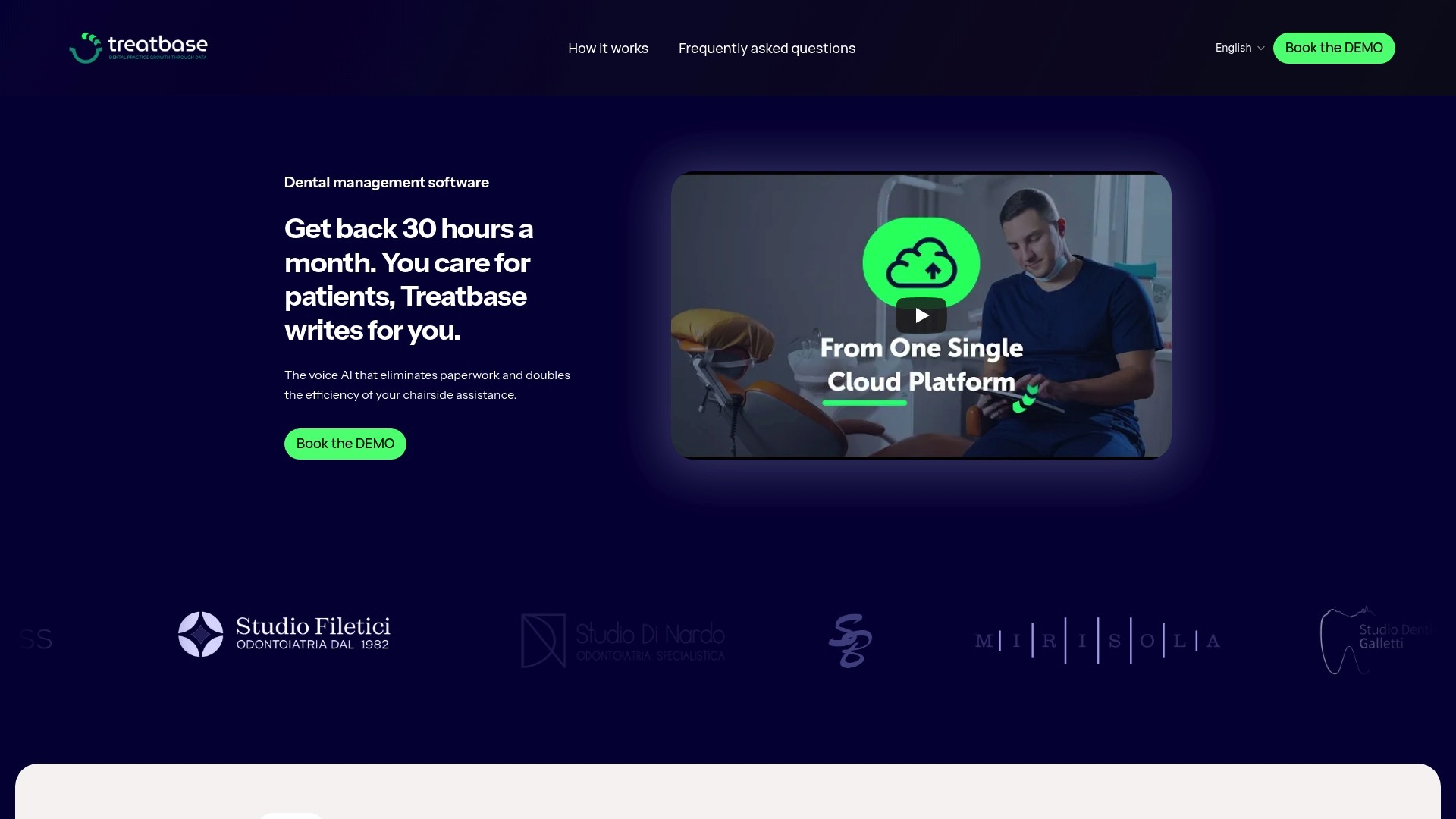
If you are considering switching software, discover Treatbase practice management software and ask how we transfer your data at no additional cost.
Frequently Asked Questions
What is the difference between a digital calendar and a smart schedule?
A digital calendar displays appointments on a screen instead of on paper. A smart schedule is connected to the clinical record, treatment plan, reminders, recalls, and billing, meaning it updates on its own based on what happens at the chair. The difference is measured in the manual re-entries that are no longer necessary.
Do automated reminders really reduce missed appointments?
Yes. A review of 29 studies found an average relative reduction of 34% in missed appointments with SMS or telephone reminders, and in a preventive dental clinic, the reduction reached 43.7%. The timing of the message—the day before or the week before—showed no difference.
Can I use the schedule from a smartphone?
With cloud-based software, yes: it is accessed via a browser on a computer, tablet, or phone, and everyone sees the same updated schedule. It is useful for checking confirmations and open chairs before arriving at the practice.
How long does it take to switch from an old software?
It depends on the volume of data and the legacy system. The phase requiring the most care is checking the data after import and training the front desk. With Treatbase, migration is simple, fast, and free of extra charges.
Does voice dictation also work for periodontal probing?
Yes, this is one of the scenarios where voice provides the greatest value. With Treatbase, dentists and hygienists record probings with voice commands, completely hands-free, and the values go directly into the patient's record.