Studio resource scheduling: how to organize appointments, rooms, and staff
Optimize appointments, rooms, and staff with practice resource scheduling: tools, checklists, and regulatory requirements.

Practice Resource Scheduling: How to Organize Appointments, Rooms, and Staff
To reliably manage appointments, rooms, and staff, the most effective solution is to adopt a single practice resource scheduling system that integrates clinical calendars, user permissions, and automatic reminders. Software like Treatbase covers these needs in a single platform. In the following sections, you will find the evaluation checklist, implementation steps, and regulatory constraints to respect.
In brief:
Effective scheduling includes standard durations, preparation and sterilization buffers, and maps of rooms and equipment with setup and maintenance times.
It is essential to assign staff based on competence, define differentiated permissions, and maintain an active waiting list to reduce losses from last-minute cancellations.
Before purchasing, verify that the software has granular roles and permissions, programmable resource management, and audit logs compliant with privacy regulations.
Data migration, staff training, and continuous monitoring of KPIs are key steps for effective implementation, avoiding organizational errors.
Treatbase offers an integrated platform with calendar management, rooms, permissions, and automatic reminders, facilitating the transition and regulatory compliance with no hidden costs.
TreatbaseOrganize your practice's work betterTreatbase integrates calendars, invoice management, performance monitoring, and automatic patient reminders.Discover Treatbase
Table of Contents
Essential elements to schedule and why they matter
Practical criteria for choosing resource scheduling software
Step-by-step: how to implement scheduling in your practice
Regulatory constraints and privacy to respect in scheduling
Office manager's perspective: practical benefits and common mistakes
Recommended option: Treatbase for resource scheduling
Sources
Frequently Asked Questions
Essential elements to schedule and why they matter
Effective scheduling is not just about the appointment calendar: it involves every resource that conditions the practice workflow. Neglecting even one creates bottlenecks that affect the entire clinical day.
The first step is to define appointment types and standard durations, including a margin for chair preparation and instrument sterilization between patients. Without this buffer, delays accumulate starting from the morning.

Operating rooms and specialized equipment must be mapped with their own setup and maintenance times: a surgical room requires different preparation times than an oral hygiene room, and equipment shared among multiple professionals must be booked as a resource on its own.
Staff must also be allocated by specific competencies, not generically: dentists, hygienists, and assistants cover different roles, and clarity is needed on who can edit the calendar and who can only view it.
Standard durations by procedure type, with preparation and sterilization buffers included.
Rooms and equipment mapped with setup times, availability, and scheduled maintenance.
Staff assigned by competence, with differentiated editing permissions for the calendar by role.
Active waiting list to absorb sudden cancellations and manage emergencies without disrupting the day.
A well-managed waiting list turns a last-minute cancellation from a loss of revenue into an opportunity for recovery, provided someone in the practice is explicitly tasked with updating it daily.
Practical criteria for choosing resource scheduling software
Evaluating a management system for scheduling requires looking beyond the graphical interface and focusing on what protects data and operational continuity. Here are the checks to make before signing a contract.
Verify that the system offers granular roles and permissions, so that each collaborator only accesses the information necessary for their work.
Check the integration between the clinical calendar and automatic reminders: reducing no-shows depends on timely notifications via SMS or email, not just a digital calendar.
Ensure the software manages chairs, rooms, and sterilization windows as programmable resources, not just patient slots.
Ask how the migration of existing data occurs and if the provider documents the team training process.
Verify the presence of audit logs that track access and changes to the calendar, a requirement also outlined in the Privacy Guarantor's guidelines on appointment platforms.
A tip: before choosing, ask for a trial with your practice's real data: a system that seems intuitive with dummy data can behave differently with a calendar already full of recurring appointments.
Documented training deserves special attention: powerful software without clear guides for administrative staff results in booking errors that no algorithm can correct on its own.
Step-by-step: how to implement scheduling in your practice
Adopting a new scheduling system works best as a gradual process, not as a sudden replacement of all practice habits.
Map resources, times, and internal rules in an initial checklist: how many chairs, how many rooms, what shared equipment, and who uses them.
Configure roles, permissions, and calendar edit policies before uploading a single real appointment.
Perform a test data migration on a limited subset of patients, testing automatic reminders and cancellation scenarios.
Train the team with written procedures and dedicated tutorials, so every collaborator knows what to do without having to ask every time.
Monitor operational KPIs from the first week: chair occupancy, no-show rate, administrative time saved.
Practices can significantly reduce time spent on administrative tasks thanks to the elimination of manual transcription and digital management of clinical resources. A saving of this magnitude translates concretely into more time dedicated to patient care and fewer hours lost in repetitive administrative activities.
The monitoring phase never really ends: bottlenecks change over time, and the KPIs collected in the first months become the benchmark for any subsequent changes to the organization.
Regulatory constraints and privacy to respect in scheduling
The digital management of appointments and clinical data involves precise obligations, both fiscal and regarding personal data protection.
On the fiscal front, the Revenue Agency clarifies that healthcare services provided to end consumers do not obligatorily pass through the SdI, but the related data must still be transmitted to the Health Card System according to current rules.
On the data protection front, EU Regulation 2016/679 requires appropriate technical and organizational measures, protection by design from the design phase of the system, and specific contracts with providers who process data on behalf of the practice. The Privacy Guarantor, in a ruling concerning a dental practice, showed how an error in sharing diagnostic files can configure a violation of Article 9 of the GDPR concerning health data.
Concrete actions to apply immediately:
Activate multi-factor authentication for anyone accessing the calendar and clinical data.
Set an automatic session time-out on shared workstations in the reception.
Maintain an access and calendar edit log, available in case of an inspection.
Collect only the data strictly necessary for appointment management, avoiding superfluous fields in digital forms.
Office manager's perspective: practical benefits and common mistakes
Those who manage a dental practice calendar know that the benefits of well-done scheduling are first seen in staff behavior rather than in numbers: fewer manual confirmation calls, a smoother patient flow, patients arriving already knowing what to expect.
The most common mistake is not technological but organizational: powerful software is installed, but training the reception staff is forgotten, so they continue to work with old paper habits.
The practical solution is to repeat small training sessions instead of a single initial course, define appointment rescheduling policies in writing, and review key indicators monthly with the team, not just alone in the office.
— Matteo
Recommended option: Treatbase for resource scheduling
If you are looking for a way to digitize scheduling without weeks of manual configuration, Treatbase brings together calendars, room management, user permissions, and automatic reminders in a single platform designed for dental practices.
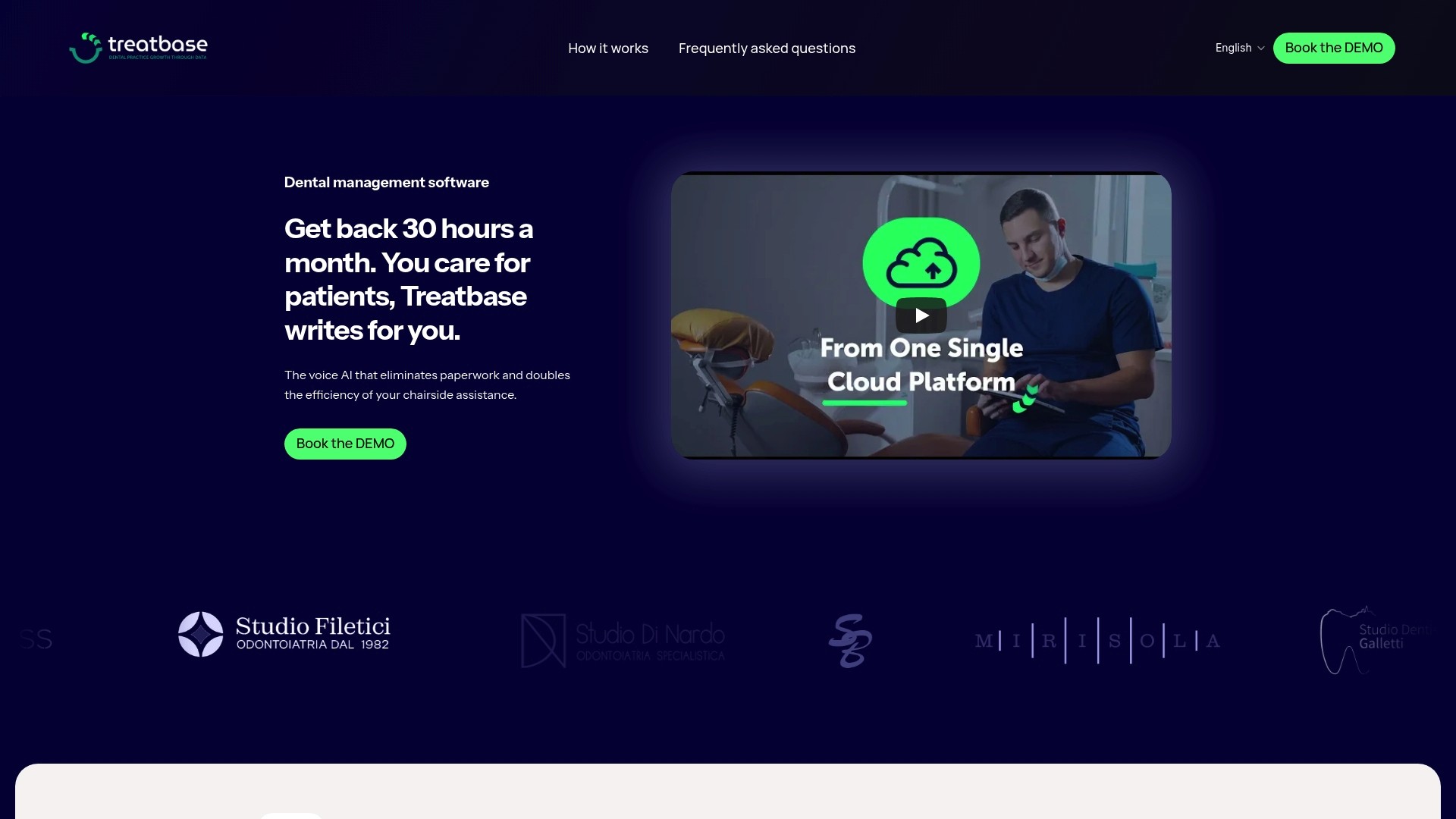
The practical difference compared to building a system from spreadsheets or generic software lies in the free data migration and ready-made documentation for team training, so the transition does not fall entirely on the office manager.
Clinical calendar integrated with management of rooms, equipment, and staff availability.
Configurable user permissions by role, from owner to reception.
Automatic reminders to reduce uncommunicated absences.
Data migration at no additional cost.
To understand how calendar configuration works in detail, the guide Part III: Calendar & New Patient shows the operational steps step-by-step. Those who want to evaluate the entire platform can consult the Treatbase product page and request more information before deciding.
Sources
The regulatory and operational guidelines in this article are based on verifiable institutional sources.
The Revenue Agency clarifies invoicing and data transmission obligations for healthcare services provided to end consumers. EU Regulation 2016/679 establishes the general principles of personal data protection applicable to any platform that processes health information. The Privacy Guarantor provides specific indications on roles and technical measures for appointment management platforms in the healthcare sector, while one of its specific rulings documents the practical consequences of improper clinical data management.
This article provides general information and does not replace the advice of a qualified medical professional. Consult a qualified healthcare professional regarding your specific case before acting on this content.
Frequently Asked Questions
What is resource scheduling in a dental practice?
It is the coordinated organization of appointments, rooms, staff, and equipment to avoid overlaps and idle times. It includes defining standard durations, sterilization buffers, and priority rules for emergencies.
What user permissions are needed in scheduling software?
Differentiated roles are needed to limit data access based on function: reception, hygienist, dentist, and owner have different needs. The Privacy Guarantor recommends granular permissions and audit logs to track access and modifications.
How are no-shows reduced with digital scheduling?
Automatic reminders via SMS or email, combined with a clear confirmation policy and an active waiting list, reduce uncommunicated absences. The software alone is not enough: an internal procedure that someone follows daily is also needed.
What does the regulation say about invoicing healthcare services?
The Revenue Agency specifies that healthcare services to end consumers do not obligatorily pass through the SdI, but data must still be sent to the Health Card System. This applies to end consumers, not to invoices towards other VAT entities.
How much does software like Treatbase cost for practice management?
The price is not published on the website and is available upon request by contacting Treatbase directly. The platform includes calendar, collaborator management, invoicing, and free data migration among the offered features.