Dental management API: guide for developers and IT
Dental practice management software integration guide: FHIR R4, SMART-on-FHIR/OAuth2 authentication, HMAC webhooks, and sandbox for testing.

Dental Practice Management API: Developer and IT Guide
Integrating a dental practice management software requires a REST API compatible with FHIR R4, an authentication mechanism based on SMART-on-FHIR and OAuth2, and a webhook architecture with HMAC signature for real-time events. Before writing code, ask the provider for the OpenAPI specification and a sandbox environment to validate endpoints, scopes, and test bundles.
In brief:
To integrate a dental practice management system, it is essential to request OpenAPI specifications and sandbox environments to test endpoints and security before production.
The most useful endpoints are Patient, Appointment, Invoice, and DocumentBundle, but it is necessary to map which ones are actually needed to avoid unnecessary access.
The FHIR R4 standard with EU Health Data API and Dental Exchange profiles guarantees clinical and administrative interoperability between different systems, even outside the practice.
The recommended authentication is SMART Backend Services with OAuth2, supporting granular scopes, token rotation, TLS, and HMAC verifications for reliable webhooks.
For real-time events, webhooks with HMAC signatures and retry with backoff are preferable to polling, ensuring greater reliability and lower system load.
TreatbaseSimplifies your practice managementTreatbase uses voice artificial intelligence to manage medical records, invoices, and reminders, reducing daily manual work.Discover Treatbase
Index
What to expect from a dental practice management API: endpoints and functional domains
Interoperability standards: FHIR R4, EU Health Data API, and dental profiles
Authentication and security: implementing SMART-on-FHIR, OAuth2, and HEART
Integration patterns: webhooks, polling, batch, and error handling
Mapping clinical and dental codes: SNOMED-CT, SNODENT, ICD-10
Migration and testing: OpenAPI, sandbox, validation, and go-live checklist
Treatbase experience: proof points and practical resources
What dental API experience really teaches us
How to get started with Treatbase: sandbox, tutorials, and integration contact
Frequently Asked Questions
Sources
What to expect from a dental practice management API: endpoints and functional domains
A mature dental management API exposes a recurring set of resources, organized by clinical and administrative domain. Before designing the integration, map out which endpoints are actually needed for your use case, avoiding requesting access to resources you will not use.
Patient: patient demographics, digital consents, and clinical history.
Appointment: creation, modification, and cancellation of calendar slots.
Invoice: billing, payment status, and bookkeeping reconciliation.
DocumentBundle/ClinicalNotes: clinical records, reports, and consultation notes.
For each endpoint, check which methods are supported: complete read and write (CRUD), search with filters (by date, status, or patient), and bulk operations for massive synchronizations. A complete OpenAPI/Swagger specification, alongside a realistic sandbox environment, drastically reduces testing time: without these two elements, every test becomes a blind attempt against the production environment.
Interoperability standards: FHIR R4, EU Health Data API, and dental profiles
FHIR R4 is the HL7 standard that models clinical data into composable resources (Patient, Encounter, Condition) exchangeable via REST with JSON or XML payloads. It is the natural choice for a dental practice management software because it allows representing both the administrative data of the practice and clinical information shared with external physicians.
The reference standard for exchanging data between dental and medical systems is precisely HL7 FHIR R4, with the profile defined by the EU Health Data API for EEHRxF (European Electronic Health Record exchange Format) patterns. This framework aims to ensure clinical continuity across different countries and systems, a relevant aspect also for practices that share reports with external specialists.
The implementation guide Dental Data Exchange defines dedicated profiles such as Dental Bundle, Dental Referral Note, and Dental Consult Note, designed for bidirectional exchange between dentists and general practitioners.
Operational points to consider:
Use the Dental Referral Note profile when sending a patient to an external specialist.
Use Dental Consult Note to receive structured clinical feedback from a colleague.
Always verify the FHIR profile version supported by the vendor before mapping fields.
Authentication and security: implementing SMART-on-FHIR, OAuth2, and HEART
For system-to-system connections, without manual user intervention, the recommended pattern is SMART Backend Services, an OAuth2 profile designed for server applications that access FHIR resources without an actively logged-in user. The HEART profile defined by OpenID completes this scheme with specific rules for managing permissions on health data.
The SMART Backend Services profile paired with OAuth2 is recommended for system-to-system authentication and for managing granular scopes in EHR environments.
In practice:
Define granular scopes per resource (for example,
patient.read,appointment.write) avoiding all-encompassing permissions.Set up regular token rotation and prompt revocation in case of suspected compromise.
Require TLS 1.2 or higher on every connection and maintain audit logs for every call involving clinical data.
For webhooks, always verify the HMAC signature before processing the incoming payload.
A piece of advice: store HMAC secret keys and OAuth2 client secrets in a dedicated vault, never in unencrypted environment variables within the repository.
Integration patterns: webhooks, polling, batch, and error handling
The choice of communication pattern determines the reliability and load on the systems involved. For events that require immediate reaction, such as creating a new appointment, webhooks always beat polling in terms of latency and resource consumption.
Prefer webhooks over polling for real-time events: using webhooks with headers signed via HMAC and retry with exponential backoff is the standard practice for reliable automations that avoid continuous and inefficient querying.
Design retries with exponential backoff: each failed attempt waits for an increasing interval before the next one, reducing the load on the receiving system during error peaks.
Ensure idempotency by assigning a unique identifier to each event, so a duplicate notification does not generate two identical invoices or appointments.
Use message queues for heavy processes such as syncing large batches of patients, separating processing from event ingestion.
Monitor latency and error rates of webhooks with dedicated dashboards, not just with raw logs that are difficult to consult under pressure.
Mapping clinical and dental codes: SNOMED-CT, SNODENT, ICD-10
Terminological consistency is what allows two different systems to understand each other without losing clinical meaning. For clinical semantics, terminological consistency is recommended: use SNOMED-CT or ICD-10 as a common language and transmit SNODENT as a translation when the receiving system requires it.
Adopt SNOMED-CT or ICD-10 as the primary coding for conditions and diagnoses shared with non-dental systems.
Maintain SNODENT as a translation layer for more granular dental details, such as specific dental conditions or hygiene reports.
For the odontogram, map each finding to Dental Finding or Dental Condition resources when the FHIR profile provides for it.
Provide a textual fallback for uncoded terms, avoiding the loss of clinical information when no standard code matches.
Migration and testing: OpenAPI, sandbox, validation, and go-live checklist
A robust integration is born from a rigorous testing phase, not from testing in production.
Prepare the OpenAPI specification and write automated tests for each endpoint before touching real data.
Work in a sandbox with realistic datasets: end-to-end testing requires bundles with Patient, ServiceRequest, and DocumentBundle to simulate referrals and consult notes as they would occur in production.
Validate document bundles against specific FHIR profiles and verify patient matching to avoid duplicates or overlapping records.
Define a rollback plan and a load test before release, with active monitoring in the first weeks after go-live.
Treatbase experience: proof points and practical resources
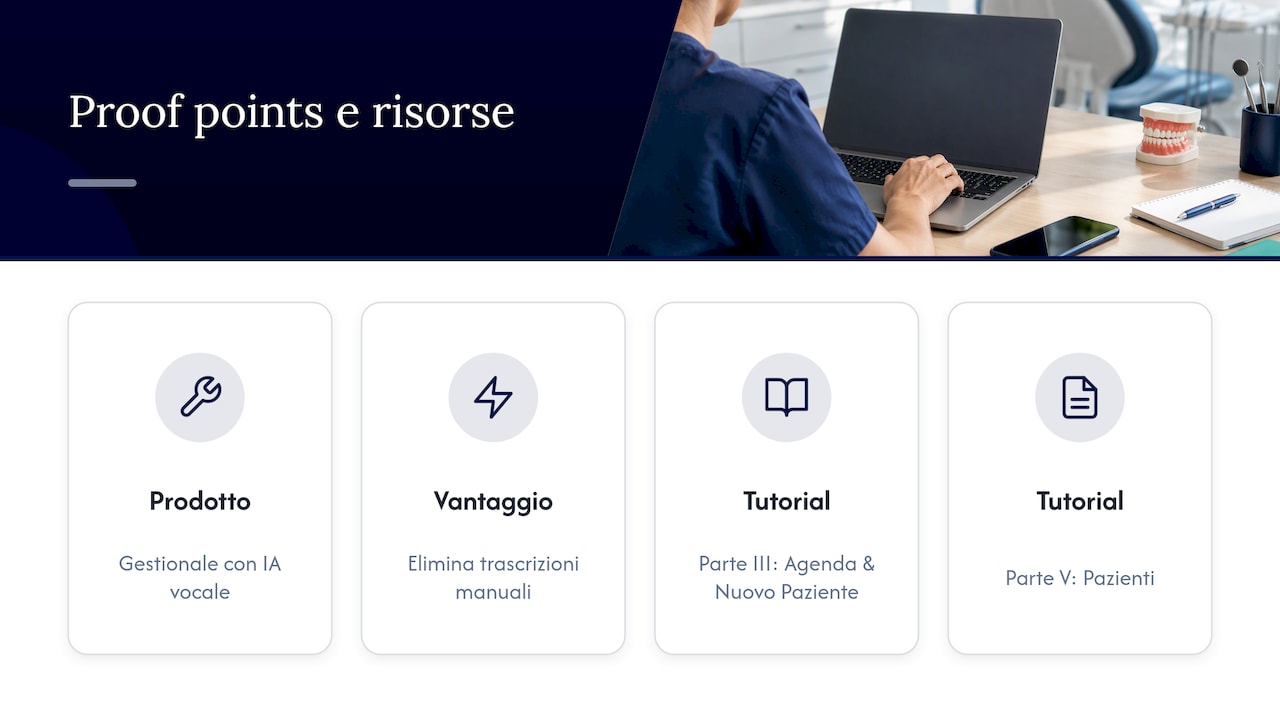
We work on a dental practice management software built around voice artificial intelligence, designed to eliminate manual transcription of medical charts and simplify the daily work of the practice. Our tutorials Part III: Calendar & New Patient and Part V: Patients offer concrete operational references on how we manage the calendar and patient data, which is also useful for those evaluating an integration with their own systems.
What dental API experience really teaches us
The most common temptation when designing an integration is to start with the code instead of the standard. Many IT teams write custom endpoints first and only later realize that an already existing FHIR profile would have solved half of the mapping problems. The result is technical debt that is paid every time a new system enters the practice ecosystem.
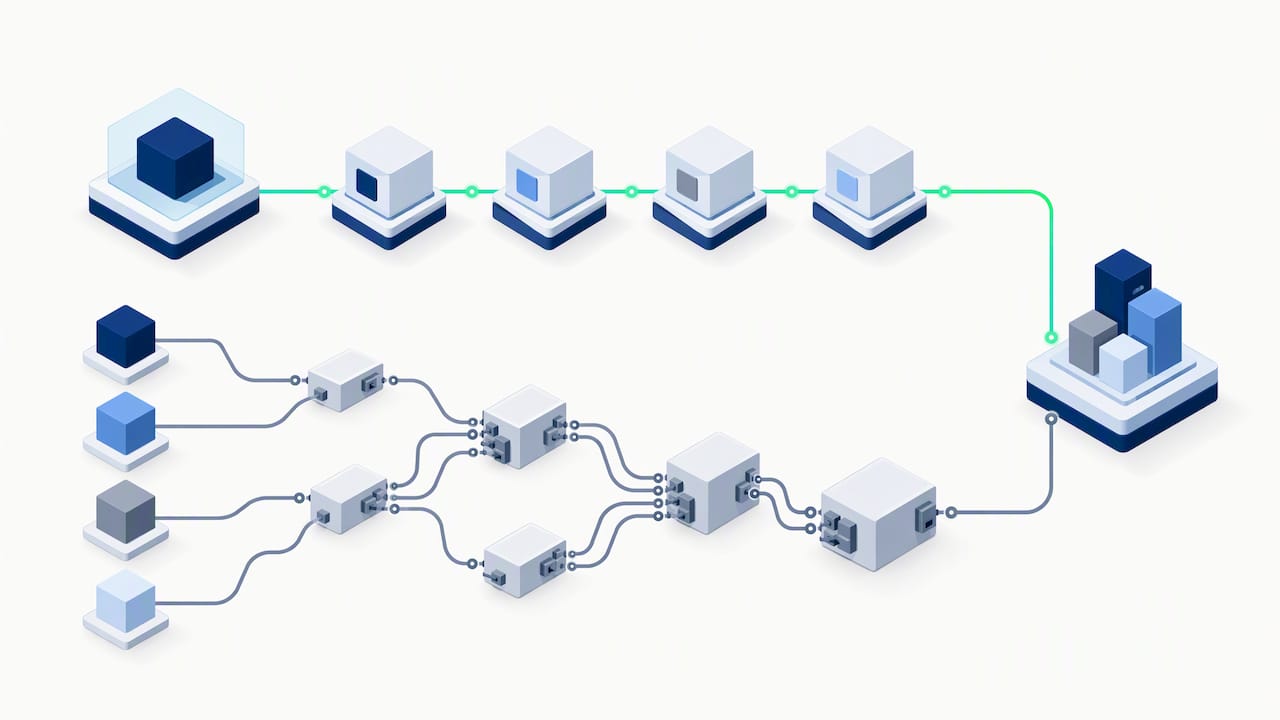
The practical lesson is that compliance with European standards is not a bureaucratic constraint, it is a shortcut. An API that respects FHIR R4 and EU Health Data API patterns costs more time at the beginning but eliminates entire categories of integration bugs later on, especially when the practice grows or changes vendors.
The point that most guides underestimate is webhook error handling: it is not a detail to be added at the end of the project, it is the part that determines whether the integration will remain stable after the first traffic peak or the first network timeout. Invest the time there that others invest in the user interface.
— Matteo
How to get started with Treatbase: sandbox, tutorials, and integration contact
Choosing a practice management software that already speaks the language of the standards you have just read about saves you weeks of mapping work. Our dental management software is cloud-native, with free data migration and multi-user management designed also for multi-location groups.
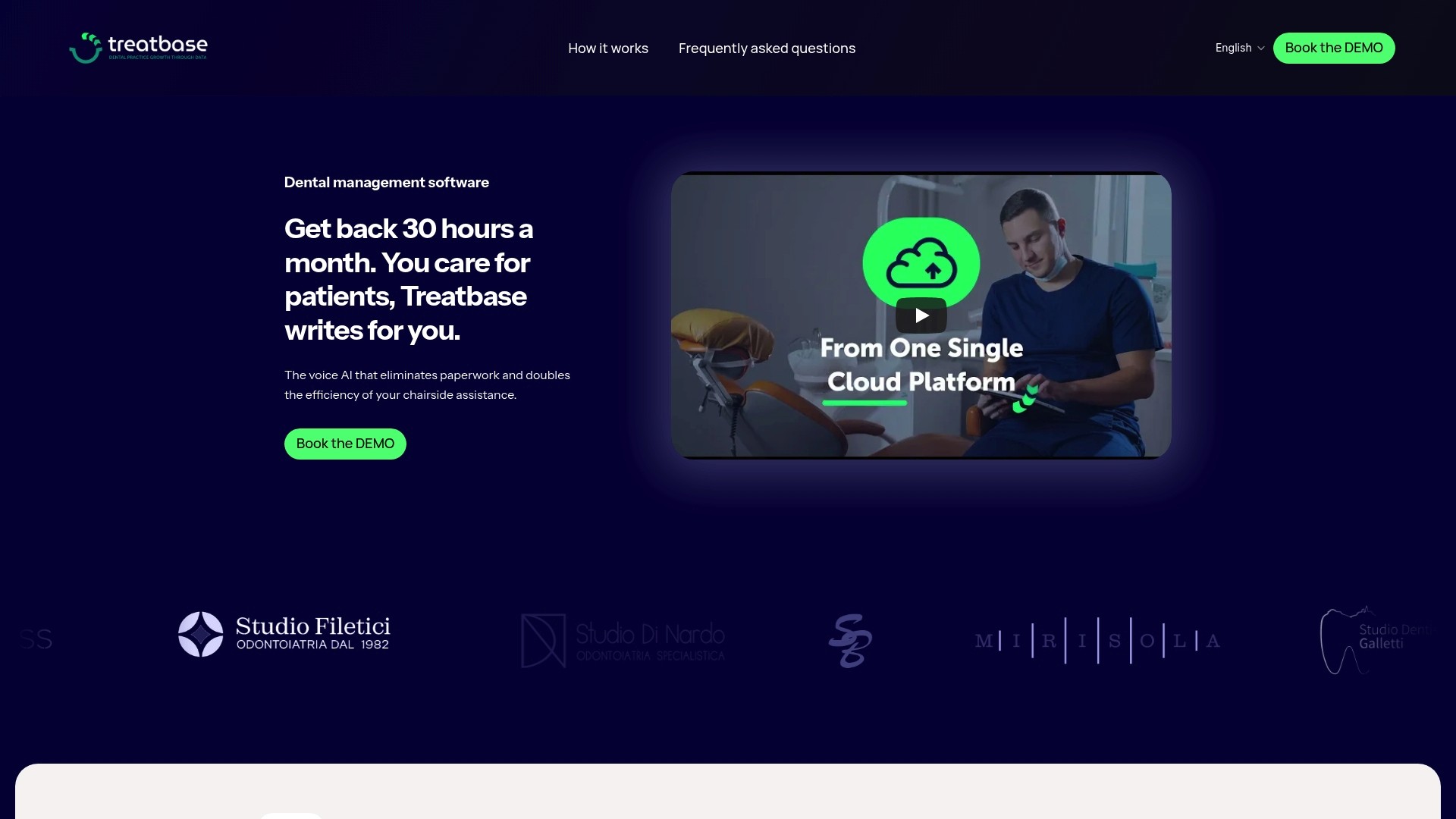
For those evaluating a technical integration or data migration, we offer general operational resources:
The tutorial Part I: Practice Data explains how we structure demographics and initial setup.
The tutorial Part VI: Payments shows how we manage billing and collections on the software side.
It is possible to get support in data migration, webhook configuration, and terminology mapping during startup.
Request a demo from the Treatbase product page to discuss the technical details of your integration.
Frequently Asked Questions
What is FHIR R4 and why is it needed for dental practice management?
FHIR R4 is the HL7 standard that organizes clinical data into composable resources exchangeable via REST, and is the foundation upon which dental profiles for referrals and consults are built. Using it reduces mapping work when the practice needs to communicate with external doctors or specialists.
What is the difference between SMART-on-FHIR and simple OAuth2?
OAuth2 is the generic authorization protocol, while SMART-on-FHIR is a specific profile of it designed for accessing healthcare resources, with scopes dedicated to clinical data. For system-to-system connections without an active user, the SMART Backend Services profile is typically used, which is more suitable for automated integrations.
When is it better to use webhooks instead of polling?
Webhooks are useful when you need to react to an event (new appointment, payment received) without delay and without overloading the server with repeated requests. The webhook pattern with HMAC signature and retry with backoff remains the operational standard for these automations in the healthcare sector.
How do you handle the difference between SNOMED-CT and SNODENT?
SNOMED-CT and ICD-10 function as a common language between different systems, while SNODENT adds the specific dental level of detail when the receiving system requires it. Maintaining this terminological consistency reduces clinical errors in data exchange between different EHRs.
Does Treatbase offer public APIs for custom integrations?
Information on the availability and technical details of API integrations is not publicly listed on our site: for this type of specific request, we recommend contacting our team directly through the product page.