Cloud vs on-premise in dentistry: which to choose
Find out if a cloud or an on-premise system is best for your dental practice: evaluate connection, locations, hardware renewal, and data portability.

Cloud vs on-premise in dentistry: which one to choose
Cloud is suitable for practices with multiple locations, newly established practices, and those with redundant connections available. On-premise often remains adequate for single practices with a recent server or with very heavy imaging archives. The four criteria that really decide are: connection quality, number of locations, hardware renewal cycle, and ease of taking your data away.
In brief:
Cloud is best for practices with multiple locations, redundant connections, and flexibility needs, while on-premise remains effective for single practices with recent hardware.
A stable connection is essential for the cloud, which eliminates the risks of manual backup, but requires attention to backup verification and responsibility for external files.
Calculating costs over three to five years shows that switching to the cloud can reduce operational expenses, especially when local hardware and infrastructure need to be renewed.
Data security depends on encryption measures, disaster recovery tests, and contractual clauses, not on the cloud or on-premise model.
For practices with a high volume of images, a hybrid approach, with local storage and cloud-based management software, reduces latency times without sacrificing the benefits of the cloud.
TreatbaseSimplifies your practice managementTreatbase brings dental management software to the cloud, with voice commands, automatic reminders, and simple data migration.Discover Treatbase
Table of Contents
Practical pros and cons of cloud versus on-premise in daily management
Cost comparison: how to estimate the total cost of ownership over 3-5 years
Data security and compliance: the GDPR checklist to check before signing
Operational continuity and heavy imaging: when a hybrid approach is needed
Practical plan for migration: from audit to testing
The right choice is not ideological, it is operational
How Treatbase meets the criteria discussed in this comparison
Sources
Frequently Asked Questions
Practical pros and cons of cloud versus on-premise in daily management
The most concrete difference between the two options is seen in everyday work, not in technical specifications. A cloud-based management software depends on the practice's internet connection: if the line goes down, schedule and clinical charts become inaccessible until it is restored. An on-premise system continues to work locally even offline, but exposes the practice to a different risk, that of poorly managed backups.

According to a comparative technical analysis, the cloud removes much of the database backup risks, but does not eliminate the practice's responsibility for files that the management software does not directly manage, such as images or external documents saved elsewhere. Most data loss incidents in the on-premise environment stem from backups that are unverified or never tested with a real restore trial.
The cloud offers a clear advantage for those working across multiple locations: data access is unified without the need for complex virtual private networks to configure and maintain. On-premise, on the other hand, allows customizations at the database level that some cloud systems do not grant, useful for those with very specific integration needs with diagnostic or management tools already in use.
Cloud requires a stable connection but eliminates much of the manual backup burden.
On-premise works offline but shifts the responsibility of verifying backups to the practice.
Cloud simplifies multi-location management without dedicated virtual private networks.
On-premise allows direct customizations on the database for specific integrations.
A piece of advice: before signing any contract, ask the provider for a real data restore test from a backup, not just confirmation that the backup is being executed.
Cost comparison: how to estimate the total cost of ownership over 3-5 years
Comparing cloud and on-premise based solely on the monthly software price is a common mistake. The correct calculation includes all costs, both visible and hidden, distributed over a three- or five-year horizon.
The typical items to consider are:
For on-premise: server purchase, software licenses, periodic IT maintenance, hardware replacement at end-of-life, physical backup, or dedicated NAS.
For cloud: monthly or annual subscription, initial migration costs (when applicable), eventual additional bandwidth to ensure continuity.
A comparative study published in the Journal of Dental Education found a significant reduction in operational costs over two years when switching from an on-premise solution to a cloud-based one in a university dental clinic, with hidden local infrastructure costs representing a significant portion of the total IT budget.
This type of savings is not automatic for every practice. Those who have already purchased and depreciated a high-performing server derive less immediate benefit from switching to the cloud compared to those opening a new practice or who must renew their infrastructure anyway. The right time to compare the two models, therefore, is when the existing hardware needs to be replaced.
Data security and compliance: the GDPR checklist to check before signing
Those who handle health data remain the data controller regardless of whether the management software is in the cloud or on a local server. According to the guidelines from the Privacy Authority, even when relying on a cloud provider, the practice must verify the security measures adopted, the liability clauses, and the reversibility procedures provided for by Article 28 of the European General Data Protection Regulation.
Before choosing a provider, check these points:
Who encrypts the data, in transit and at rest, and by what standard.
How frequently backups are performed and how long they are retained.
Whether the provider conducts periodic disaster recovery tests and with what documented outcome.
What contractual clauses govern data exportation in case of a provider change.
Who is responsible in the event of a data breach and with what notification times.
A piece of advice: have a reversibility clause included in the contract that guarantees complete data export in a readable format within a defined timeframe, not generically "upon request".
Operational continuity and heavy imaging: when a hybrid approach is needed
The volume of diagnostic images significantly changes the calculation. A CBCT or a series of high-resolution X-rays uploaded to cloud-based management software can suffer from latency if the available bandwidth is insufficient, with waiting times accumulating throughout the clinical day.
For practices with a high imaging workload, some strategies reduce the risk without sacrificing the advantages of the cloud:
Maintain a backup internet connection, even mobile, to avoid total interruptions.
Use a local cache that temporarily stores the most recent images.
Adopt a hybrid model: cloud-based management software for records, calendar, and clinical workflow, local storage on NAS or dedicated server for heavy diagnostic images.
This combined approach is often the most pragmatic choice for those who work heavily with 3D imaging but still want the administrative and collaborative benefits of the cloud, without saturating the available bandwidth in the office.
Practical plan for migration: from audit to testing
The right time to seriously consider a change is when existing hardware is at its end-of-life, when the practice opens a new location, or when remote access to data becomes a daily problem. Moving at that moment turns a capital cost into a distributed operational expense.
An orderly migration follows these steps:
Perform a complete audit of existing data: medical records, images, billing, historical schedule.
Request a trial export from the current provider, in a readable format like CSV or SQL dump.
Start a pilot test in a staging environment before migrating the entire archive.
Train staff on the new system during a transition period, not after the clean cut.
Maintain a parallel period between the old and new system for a few weeks, verifying that records match.
A piece of advice: before signing with a new provider, personally test the data export to a separate environment and check that every medical record is readable and complete, not just that the file was downloaded.
The right choice is not ideological, it is operational
Many owners approach the choice between cloud and on-premise as a matter of principle, almost a choice of alignment. It is not. It is a technical decision that depends on how stable the practice's connection is, how many locations are managed, and when the lifecycle of the current hardware expires.
The most useful advice one can give to an office manager is not to force an untimely migration, but to link it to the natural moment when the server needs to be replaced anyway: at that point, the comparison between the two options is more honest, because the cost of local infrastructure really enters the calculation.
For those who decide to move to the cloud, the most delicate part remains the migration of historical data: a well-executed export and testing procedure weighs more than any other feature of the chosen software.
— Matteo
How Treatbase meets the criteria discussed in this comparison
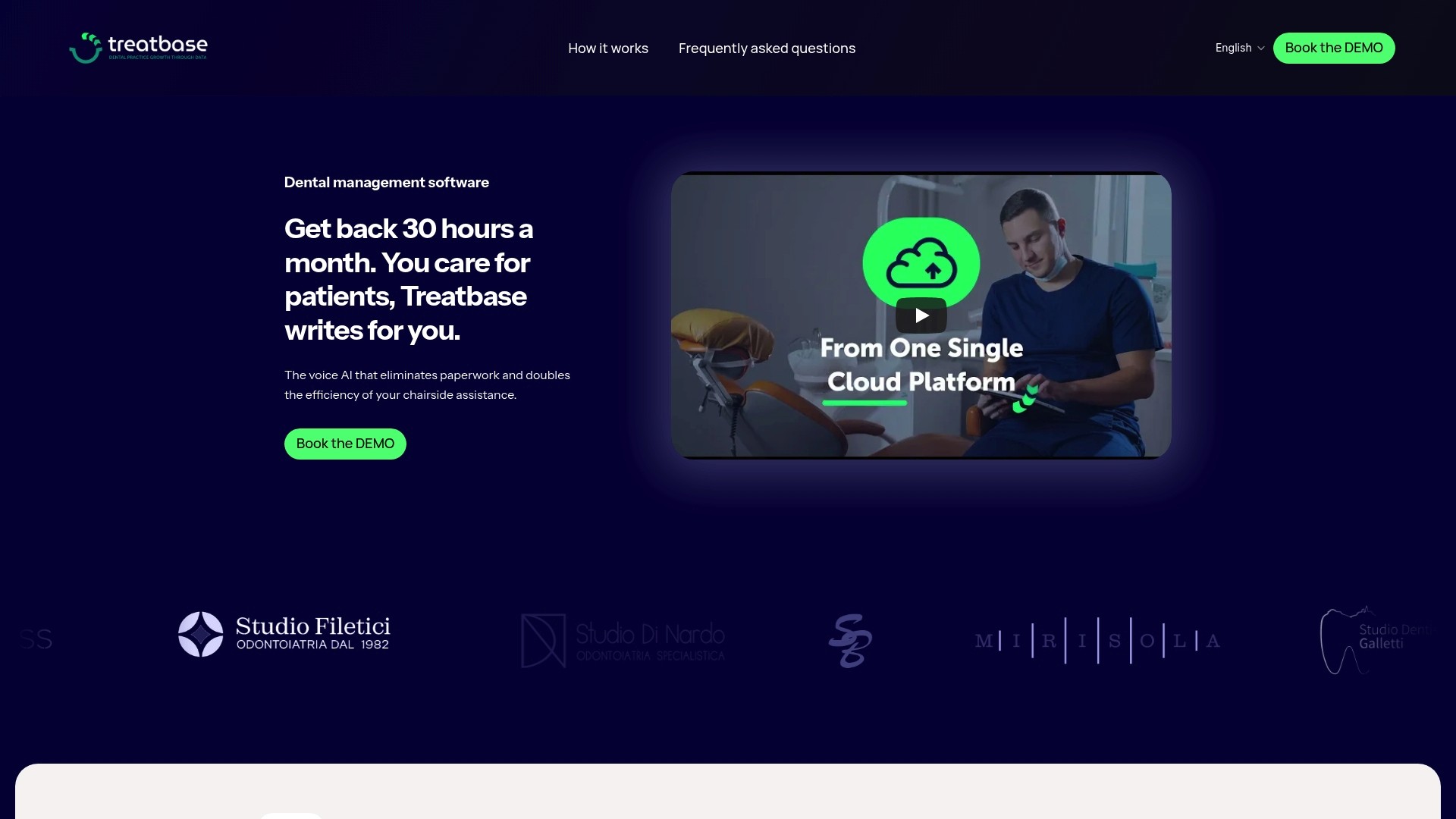
Treatbase is a cloud-based management software designed for those who want to eliminate manual transcription work and focus on patient care. The voice artificial intelligence fills out clinical charts while you speak, without needing paper notes or subsequent typing.
For a practice evaluating the switch from local to cloud, the points that really matter are these:
Clinical chart completion by voice, without manual transcription.
Free and rapid data migration from the existing system, with no extra costs.
Multi-user management with differentiated permissions, useful for practices with multiple collaborators or multiple locations.
Automated billing and automatic patient reminders, reducing the daily administrative burden.
If your practice is at the right moment to evaluate a change, take a look at the complete overview of Treatbase or request information about the dental management solution to understand how it fits your specific case.
Sources
For those who wish to verify the cited data: the cost comparison study published by the Journal of Dental Education, the guidelines from the Privacy Authority on data control, and the technical analysis of cloud and on-premise in dentistry. To further explore the health data ecosystem, consult the Privacy Authority's FAQs on health records.
Frequently Asked Questions
Is cloud in dentistry safer than on-premise?
Not necessarily by definition: cloud reduces the risk of poorly managed backups, but the practice still remains the data controller and must verify the provider's security measures, as indicated by the Privacy Authority. Security depends on contractual clauses and verifications made before signing, not on the chosen model itself.
How much does it cost to switch from on-premise to cloud for a dental practice?
The cost depends on how much data and images need to be migrated and the chosen provider. A study on a university clinic recorded an operational cost reduction of approximately 20% over two years after switching to the cloud, but savings vary based on the infrastructure already present in the practice.
When is it better to stay with an on-premise system?
An on-premise system often remains adequate for single practices with a recent, already depreciated server and with not always stable internet connectivity. It becomes less advantageous when hardware approaches end-of-life or when the practice opens a second location.
What should the contract with a cloud provider include for data protection?
The contract should specify encryption methods, backup frequency, reversibility clauses for data export, and liabilities in the event of a breach. These verifications are required by Article 28 of the European General Data Protection Regulation, as clarified by the Privacy Authority.
Does Treatbase also handle data migration from an on-premise system?
Treatbase offers a data migration procedure from the existing system. The procedure is designed to transfer clinical charts and archives without prolonged interruptions to business activity.